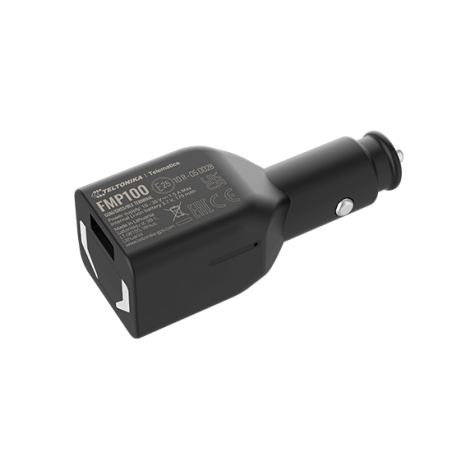
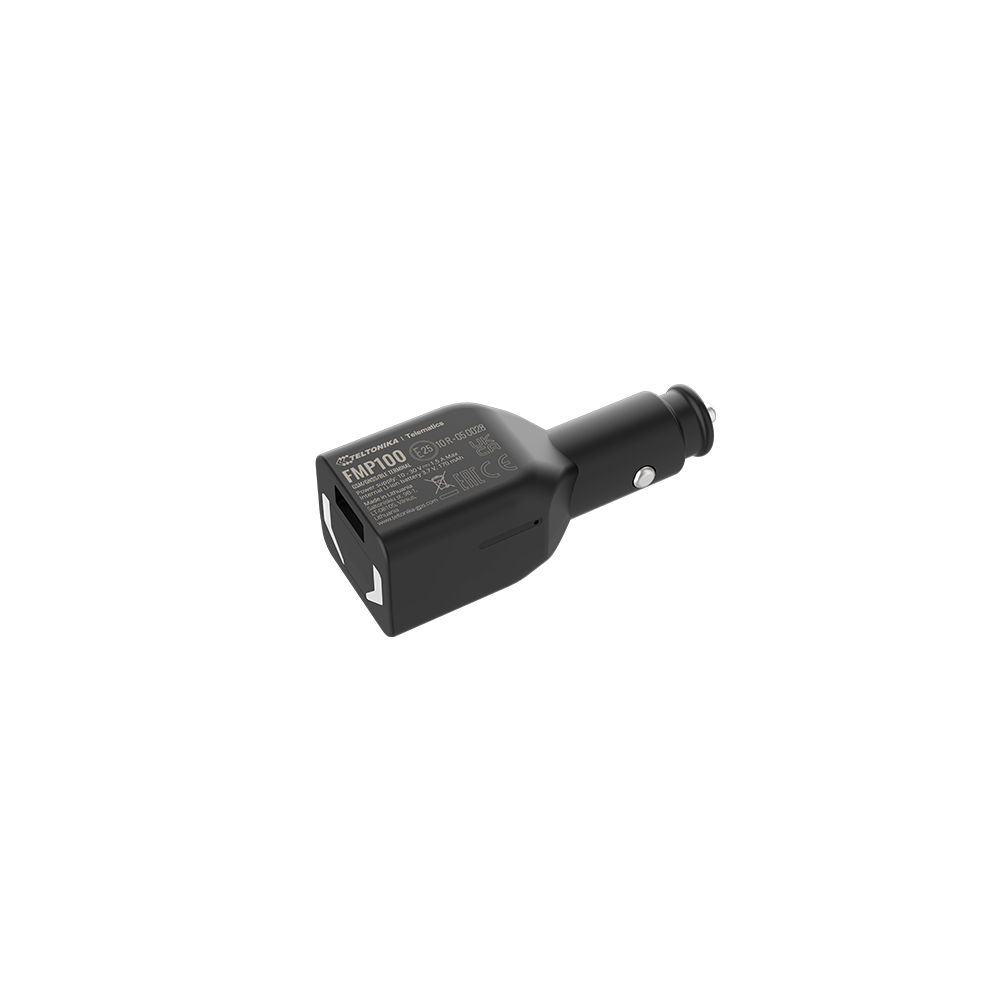
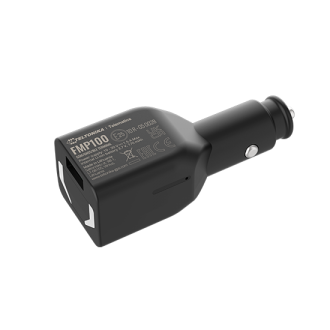

Teltonika FMP100 GPS Tracker
  • Teltonika FMP100 GPS Tracker

Teltonika FMP100 GPS Tracker

€36.30
Tax included
Teltonika FMP100 GPS Tracker
Quantity

  Security policy

(edit with the Customer Reassurance module)

  Delivery policy

(edit with the Customer Reassurance module)



The FMP100 Tracker

The FMP100 Tracker is a convenient, lighter-powered locator that can be instantly installed. This device has GNSS, GSM, and Bluetooth connectivity, as well as a lighter power socket, making it easy to use.

Bluetooth Technology

Thanks to Bluetooth 4.0 LE technology, this compact device offers advanced tracking capabilities:

  • Reading data from various Bluetooth Low Energy sensors
  • Using a hands-free headset
  • Software updates and configuration

Device Description

  • Fast and easy to use
  • Full compatibility with Bluetooth 4.0 technology for peripheral devices
  • Internal antennas: GSM and GNSS
  • Real-time tracking
  • Data transmission via GPRS (TCP/IP and UDP/IP protocols)
  • Operation in roaming networks based on a preferred list of GSM operators

Advanced Features

  • Event triggering and sending of input/output information via GPRS or SMS
  • Memory for 24 geographical coordinates
  • Sending SMS messages when there is no GPRS service available
  • 5 geofencing zones (rectangular or circular)
  • Automatic geofencing for detecting car towing and preventing theft
  • FOTA (firmware updates via GPRS)

Integrated Scenarios

Speed limit detection for driver protection and avoiding fines, trip start and end detection, collision detection, idle state detection, and towing detection using an accelerometer.

Bluetooth Connectivity

Bluetooth technology allows you to connect a wireless headset and other Bluetooth device connection possibilities. No unauthorized connections!

Nano SIM Card

Do not lose any data with the Nano SIM card. The FMP100 saves all data on a microSD card while driving when there is no GSM network access.

Security Features

Advanced anti-theft security system. Prevent vehicle theft with advanced anti-intrusion features. Combine Auto Geofencing with new motion detection features. Receive instant notifications of accidents and save employees' lives!
How to Insert the Nano-SIM Card and Connect the Battery?

  1. Place the SIM card tray eject tool in the tray hole and press until the tray pops out.
  2. Insert the Nano-SIM card with the PIN code disabled, as illustrated. Ensure that the Nano-SIM card is correctly positioned in the tray.
  3. Insert the SIM card tray back.
  4. Once the setup is complete, see "Connecting to a PC (Windows)."
Teltonika
4779027312682
65 Items